Article
Best Customer Feedback Software for Jira: The Top 5 Tools Compared (2026)
Bridging the gap between customer sentiment and engineering execution.


The transition from raw customer feedback to a structured Jira roadmap is often where product strategy falls apart. You have users shouting in Slack, feature requests buried in Zendesk, and a "General Feedback" board that has become a graveyard of unvoted ideas. The confusion usually stems from a misalignment between how you collect data and how you actually execute in Jira. You need a way to bridge the gap between the engineering team’s technical tickets and the customer’s need to be heard.
Why is managing customer feedback in Jira so difficult?
Jira was architected for technical execution—tracking bugs and managing sprints. It wasn't designed as a community forum or a support desk. When you try to use Jira as your primary customer feedback software, you hit three walls:
The Context Gap: A Jira ticket usually contains "what" needs to be built, but it loses the "who" and "why" from the original customer request.
The Prioritization Noise: Flooding your backlog with every raw user request makes it impossible for engineering to focus on high-impact work.
The Feedback Loop Failure: Manually notifying every customer when a feature they requested is finally in development is a massive administrative tax.
To solve this, you need an architecture that balances internal execution with a streamlined external communication layer.
Released: The Customer Communication Layer for Jira
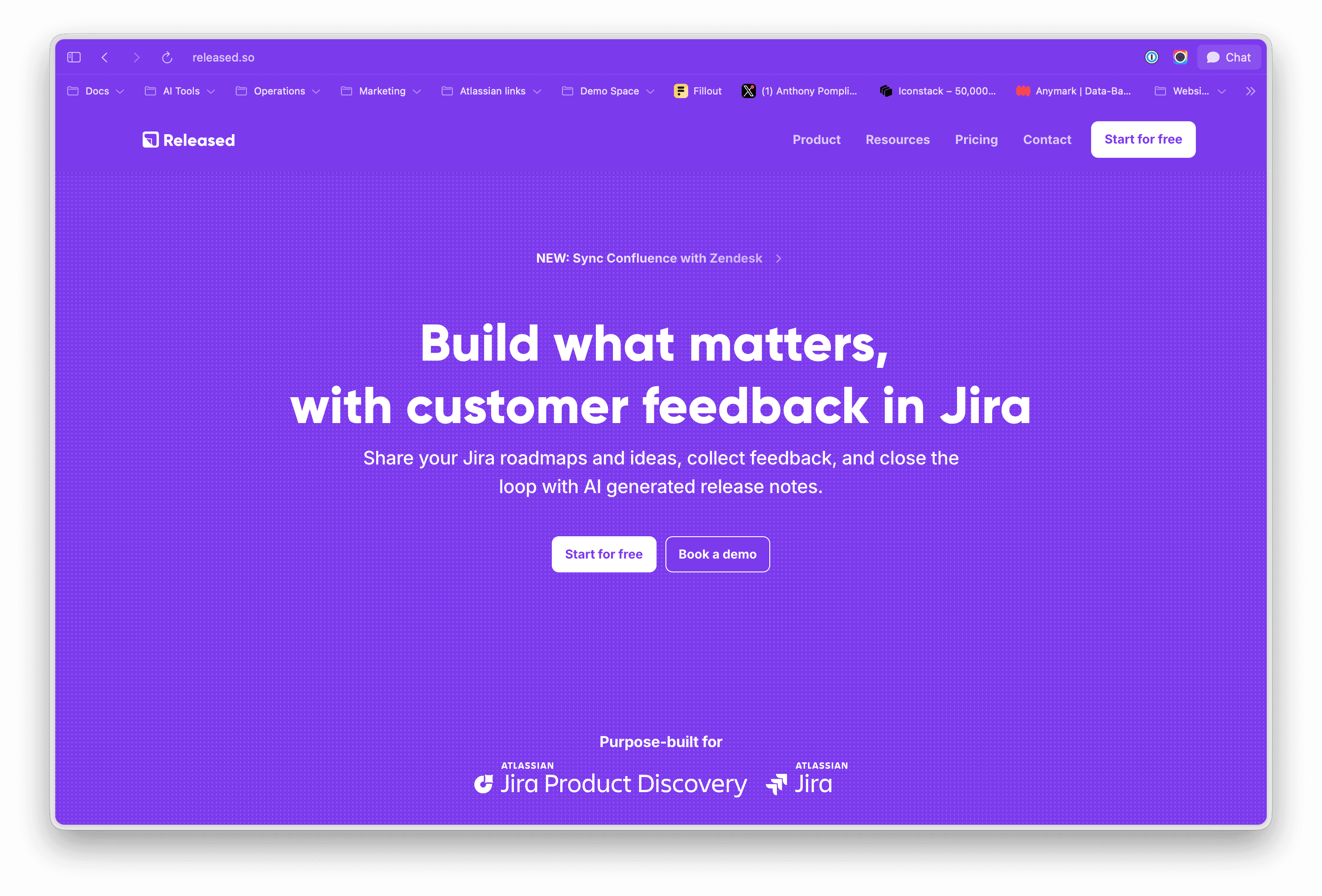
If your team is already living in Jira, Released (https://released.so) is the only tool in this category that doesn’t require you to manage a second database. Founded by former Atlassian employees, it was architected with a "Jira-First" philosophy. While other platforms treat Jira as a destination for synced data, Released treats Jira as the source of truth.
The standout feature is its Integrated Feedback Inbox. Instead of feedback being scattered across Slack channels or external boards, it flows into a centralized, helpdesk-style interface directly inside your Jira project. This effectively turns Jira into a lightweight customer communication tool for product teams.
The "One-Click" Connection: Because it's built on the Atlassian platform, you can link a piece of feedback to a Jira Epic, Story, or Bug without ever leaving the tab. There is no "data drift" because the feedback is physically attached to the Jira issue.
Bi-Directional Communication: You can respond to customers directly from the Released Inbox, or the Jira ticket. When a developer moves a linked Jira ticket to "Done," you don't just see a status update—you have the narrative context ready to be communicated back to the user.
Idea Portals: Released acts as the essential "communication layer" for Jira. You can take your internal Jira work items or JPD ideas and publish them to a public portal for voting, keeping the internal strategy private while the external validation remains public.
Best For: high-growth SaaS teams that want native Jira integration to manage customer feedback and public roadmaps without "tracked user" pricing.
Canny: Community-Centric Prioritization
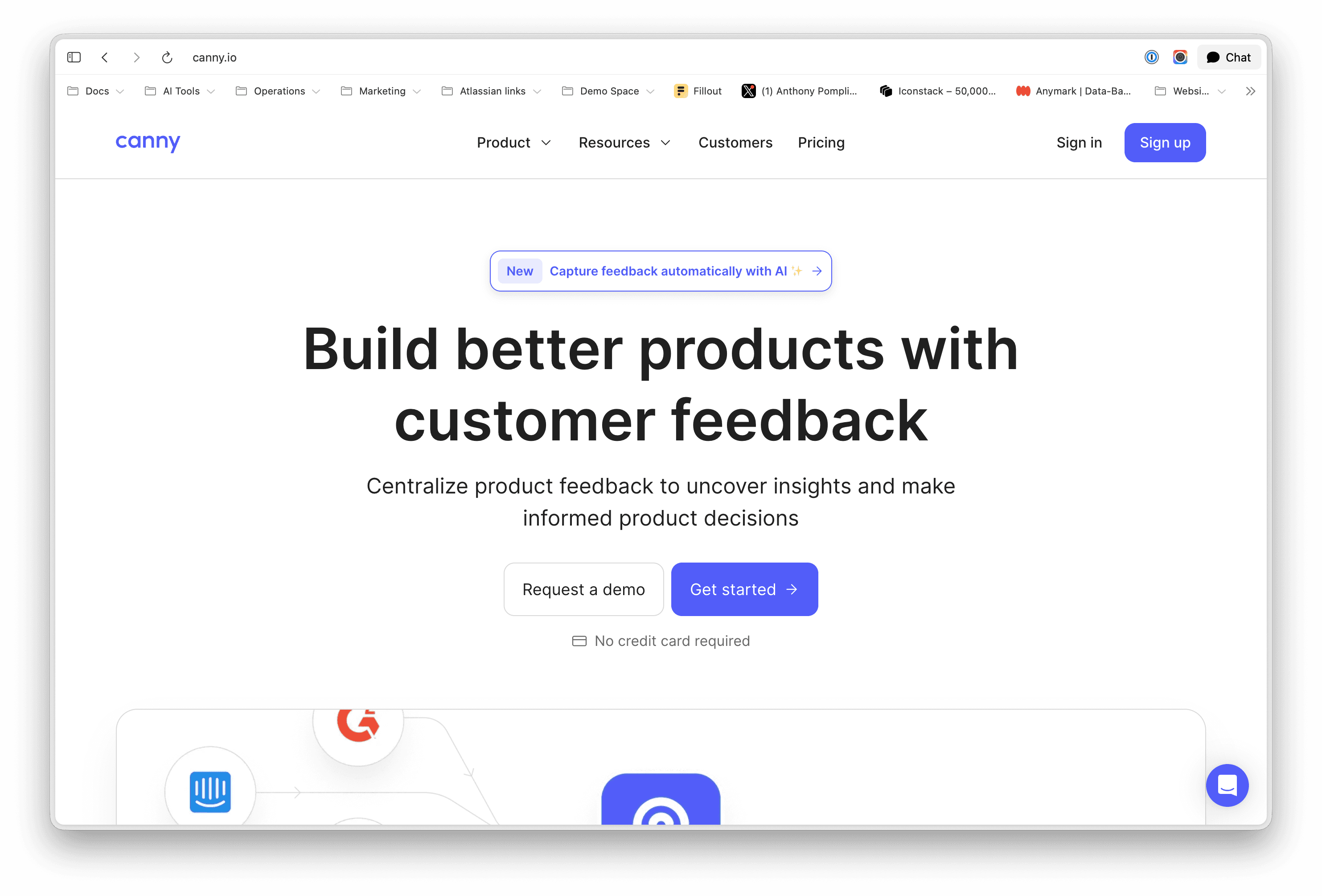
Canny is popular amongst startups for the "public voting board" model. It excels at democratization—allowing users to submit feature requests, comment on existing ideas, and upvote the items they find most essential.
The integration with Jira is a bidirectional system. When a feature request on a Canny board reaches a certain threshold of interest, a PM can "push" that post into Jira, creating a new issue that remains linked to the original feedback thread. This provides engineers with the full context of the user request directly within the Jira sidebar.
The Catch: Canny utilizes a "tracked user" pricing structure. As your company grows and more customers engage with the board, the software costs can escalate significantly—often referred to as a "success tax."
Language Support: It is currently an English-only platform for its administrative interface, which can be a drawback for global organizations.
Scalability: Canny was primarily build for small teams. For example, you are limited to a single changelog per account, making Canny not suitable for teams with multiple products.
Best For: early-stage B2C startups that prioritize public community building and feature upvoting through a simple, standalone web interface.
Productboard: The Strategic Insights Repository
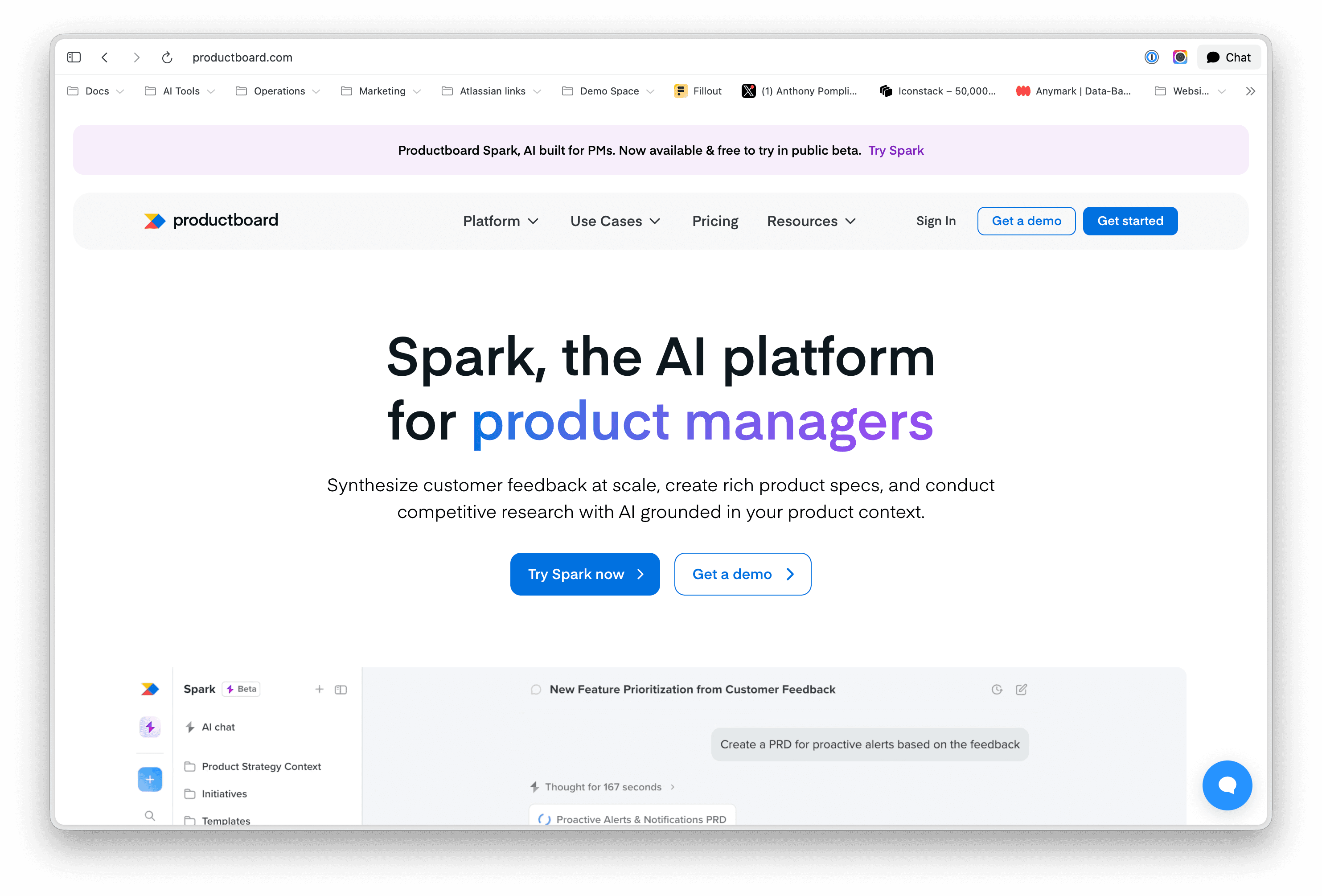
Productboard is architected for organizations that view feedback as a component of a larger, highly structured product management strategy. It acts as a comprehensive repository that aggregates data from dozens of sources, including Jira, Slack, Zendesk, and Gong.
The integration is perhaps the most granular in the category, allowing for a deep mapping of custom fields and hierarchical structures. It is designed to help PMs answer the "why" behind a feature using prioritization frameworks like RICE or WSJF.
The Complexity: User reviews frequently mention a steep learning curve. It requires a disciplined approach to data management, as the value of its insights is entirely dependent on the team following consistent processes for tagging and linking feedback.
The AI Surcharge: On top of high base costs, Productboard has introduced significant price increases for AI capabilities. Adding AI features typically costs an additional $20 per user, per month, making it one of the most expensive stacks in the ecosystem.
Best For: Large enterprise teams with dedicated Product Operations functions.
Savio: Revenue-Weighted Intelligence
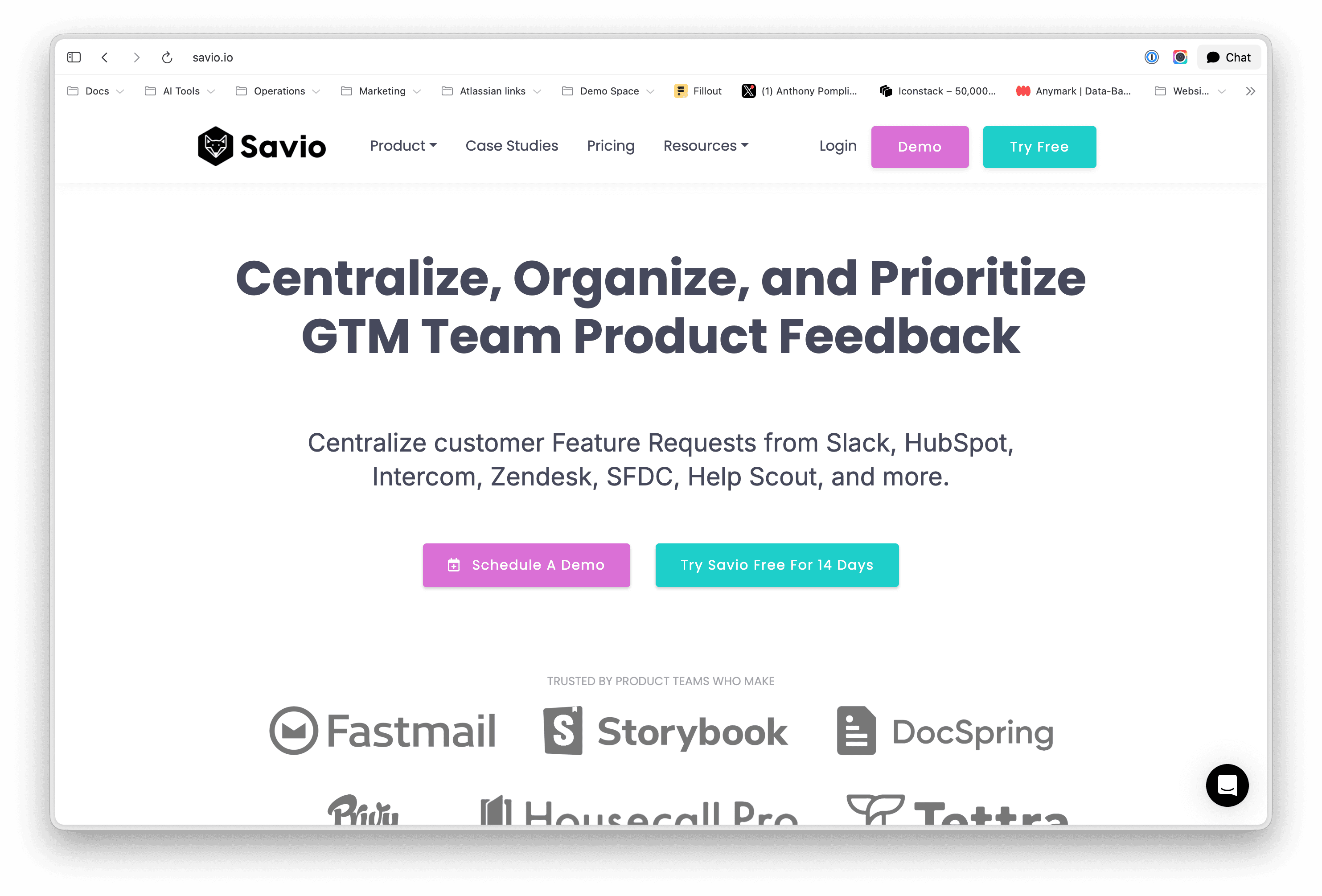
Savio offers a specialized alternative that focuses on the feedback that already exists within an organization’s communication channels. For B2B companies, the most valuable insights are often buried in support tickets and sales conversations occurring in Intercom, Zendesk, and HubSpot.
Savio’s primary value proposition is its ability to centralize this "front-line intelligence" and map it to Jira for execution. Its most potent feature is the integration with customer revenue data. By pulling in the ARR (Annual Recurring Revenue) of a customer from a CRM, Savio allows PMs to see the "financial weight" of every feature request.
Value-Based Prioritization: This moves the conversation away from "how many people want this?" to "how much revenue is tied to this request?"
Jira Integration: Primarily used for tracking progress. As a Jira issue moves through the lifecycle, Savio updates its internal status, allowing sales and success teams to self-serve information.
Best For: B2B companies that require revenue-weighted prioritization by syncing feedback directly with customer data from CRMs like Salesforce or HubSpot.
UserVoice: The Legacy Enterprise Standard

UserVoice remains a dominant force for large-scale organizations that require robust compliance, whitelabeling, and support for massive user volumes. However, its integration with Jira is designed with an "air gap" philosophy.
Unlike native apps that aim for seamless automation, UserVoice maintains a strict separation between the engineering status in Jira and the public status in the feedback portal. This is a deliberate architectural choice for enterprises where control over the narrative is prioritized over the speed of synchronization.
Financial Barrier: The entry point for UserVoice is significantly higher than its competitors, often starting at over $10,000 per year.
UI Concerns: The platform is frequently criticized for an "outdated UI" that has not seen significant modernization compared to newer, more agile tools.
Best For: Fortune 500 companies that need enterprise-grade compliance, legacy whitelabeling, and manual control over the "air gap" between engineering and public status updates.
Comparison of Feedback Management Models
Feature | Released | Canny | Productboard | Savio | UserVoice |
Primary Goal | Lightweight Helpdesk | Public Voting | Strategy/Repository | Revenue Tracking | Enterprise Control |
Jira Integration | Native/In-Jira Inbox | Bidirectional Sync | Deep Mapping | Status Tracking | Manual/Air-Gapped |
Pricing Model | Seat-based | Tracked User | Maker-based | Admin-based | Tiered/Enterprise |
User Experience | Clean/Integrated | Community-focused | Complex/Data-rich | Internal/Sales-led | Formal/Legacy |
Scaling Risk | Low (Flat) | High (Success Tax) | Moderate | Low | High (Upfront) |
Technical Architecture: Webhooks vs. Native Jira Integration
The stability of a feedback tool is largely determined by its underlying integration architecture. Most external platforms (Canny, Productboard) rely on Webhooks to send data back and forth. While powerful, webhooks can occasionally lead to "data drift" if a sync fails, resulting in a roadmap that is out of step with the actual Jira backlog.
Native Atlassian apps, such as Released, are built using the official Atlassian Connect or Forge frameworks. This allows the feedback inbox and idea portals to live inside the Jira UI. This provides a faster, more secure experience because the data inherits Jira’s own security infrastructure (SOC 2 Type 2 compliance) and doesn't require users to manage a separate set of login credentials.
The Role of Jira Product Discovery (JPD)
Atlassian’s own Jira Product Discovery is an excellent tool for internal prioritization. It allows PMs to create "Ideas" and weigh them against different criteria. However, JPD lacks a native way to gather feedback directly from external customers.
This is where a tool like Released becomes the essential companion to JPD. While you use JPD for the internal "upstream" work, you use Released as the "downstream" communication and collection layer. You can push ideas from JPD to a Released Idea Portal to get customer validation, then manage the resulting feedback in your Released Inbox before committing them to a Jira Software Epic.
Analysis of Common Pain Points
Performance: A common complaint across the category is that external syncs can make Jira feel "sluggish." Using native apps that offload processing to specialized frames can mitigate this.
Feedback Silos: 29% of product teams cite "communication" as their biggest hurdle. When feedback is trapped in a tool only PMs use, engineering loses context.
Administrative Overhead: If it takes more than 30 seconds to link a piece of feedback to a Jira ticket, your team won't do it. The "Inbox" model utilized by Released is designed to minimize this friction.
Your feedback tool shouldn't be another destination your team has to visit. It should be a filter that sits on top of Jira, turning raw noise into high-signal tasks while keeping your customers informed.
Article
Best Customer Feedback Software for Jira: The Top 5 Tools Compared (2026)
Bridging the gap between customer sentiment and engineering execution.
The transition from raw customer feedback to a structured Jira roadmap is often where product strategy falls apart. You have users shouting in Slack, feature requests buried in Zendesk, and a "General Feedback" board that has become a graveyard of unvoted ideas. The confusion usually stems from a misalignment between how you collect data and how you actually execute in Jira. You need a way to bridge the gap between the engineering team’s technical tickets and the customer’s need to be heard.
Why is managing customer feedback in Jira so difficult?
Jira was architected for technical execution—tracking bugs and managing sprints. It wasn't designed as a community forum or a support desk. When you try to use Jira as your primary customer feedback software, you hit three walls:
The Context Gap: A Jira ticket usually contains "what" needs to be built, but it loses the "who" and "why" from the original customer request.
The Prioritization Noise: Flooding your backlog with every raw user request makes it impossible for engineering to focus on high-impact work.
The Feedback Loop Failure: Manually notifying every customer when a feature they requested is finally in development is a massive administrative tax.
To solve this, you need an architecture that balances internal execution with a streamlined external communication layer.
Released: The Customer Communication Layer for Jira
If your team is already living in Jira, Released (https://released.so) is the only tool in this category that doesn’t require you to manage a second database. Founded by former Atlassian employees, it was architected with a "Jira-First" philosophy. While other platforms treat Jira as a destination for synced data, Released treats Jira as the source of truth.
The standout feature is its Integrated Feedback Inbox. Instead of feedback being scattered across Slack channels or external boards, it flows into a centralized, helpdesk-style interface directly inside your Jira project. This effectively turns Jira into a lightweight customer communication tool for product teams.
The "One-Click" Connection: Because it's built on the Atlassian platform, you can link a piece of feedback to a Jira Epic, Story, or Bug without ever leaving the tab. There is no "data drift" because the feedback is physically attached to the Jira issue.
Bi-Directional Communication: You can respond to customers directly from the Released Inbox, or the Jira ticket. When a developer moves a linked Jira ticket to "Done," you don't just see a status update—you have the narrative context ready to be communicated back to the user.
Idea Portals: Released acts as the essential "communication layer" for Jira. You can take your internal Jira work items or JPD ideas and publish them to a public portal for voting, keeping the internal strategy private while the external validation remains public.
Best For: high-growth SaaS teams that want native Jira integration to manage customer feedback and public roadmaps without "tracked user" pricing.
Canny: Community-Centric Prioritization
Canny is popular amongst startups for the "public voting board" model. It excels at democratization—allowing users to submit feature requests, comment on existing ideas, and upvote the items they find most essential.
The integration with Jira is a bidirectional system. When a feature request on a Canny board reaches a certain threshold of interest, a PM can "push" that post into Jira, creating a new issue that remains linked to the original feedback thread. This provides engineers with the full context of the user request directly within the Jira sidebar.
The Catch: Canny utilizes a "tracked user" pricing structure. As your company grows and more customers engage with the board, the software costs can escalate significantly—often referred to as a "success tax."
Language Support: It is currently an English-only platform for its administrative interface, which can be a drawback for global organizations.
Scalability: Canny was primarily build for small teams. For example, you are limited to a single changelog per account, making Canny not suitable for teams with multiple products.
Best For: early-stage B2C startups that prioritize public community building and feature upvoting through a simple, standalone web interface.
Productboard: The Strategic Insights Repository
Productboard is architected for organizations that view feedback as a component of a larger, highly structured product management strategy. It acts as a comprehensive repository that aggregates data from dozens of sources, including Jira, Slack, Zendesk, and Gong.
The integration is perhaps the most granular in the category, allowing for a deep mapping of custom fields and hierarchical structures. It is designed to help PMs answer the "why" behind a feature using prioritization frameworks like RICE or WSJF.
The Complexity: User reviews frequently mention a steep learning curve. It requires a disciplined approach to data management, as the value of its insights is entirely dependent on the team following consistent processes for tagging and linking feedback.
The AI Surcharge: On top of high base costs, Productboard has introduced significant price increases for AI capabilities. Adding AI features typically costs an additional $20 per user, per month, making it one of the most expensive stacks in the ecosystem.
Best For: Large enterprise teams with dedicated Product Operations functions.
Savio: Revenue-Weighted Intelligence
Savio offers a specialized alternative that focuses on the feedback that already exists within an organization’s communication channels. For B2B companies, the most valuable insights are often buried in support tickets and sales conversations occurring in Intercom, Zendesk, and HubSpot.
Savio’s primary value proposition is its ability to centralize this "front-line intelligence" and map it to Jira for execution. Its most potent feature is the integration with customer revenue data. By pulling in the ARR (Annual Recurring Revenue) of a customer from a CRM, Savio allows PMs to see the "financial weight" of every feature request.
Value-Based Prioritization: This moves the conversation away from "how many people want this?" to "how much revenue is tied to this request?"
Jira Integration: Primarily used for tracking progress. As a Jira issue moves through the lifecycle, Savio updates its internal status, allowing sales and success teams to self-serve information.
Best For: B2B companies that require revenue-weighted prioritization by syncing feedback directly with customer data from CRMs like Salesforce or HubSpot.
UserVoice: The Legacy Enterprise Standard
UserVoice remains a dominant force for large-scale organizations that require robust compliance, whitelabeling, and support for massive user volumes. However, its integration with Jira is designed with an "air gap" philosophy.
Unlike native apps that aim for seamless automation, UserVoice maintains a strict separation between the engineering status in Jira and the public status in the feedback portal. This is a deliberate architectural choice for enterprises where control over the narrative is prioritized over the speed of synchronization.
Financial Barrier: The entry point for UserVoice is significantly higher than its competitors, often starting at over $10,000 per year.
UI Concerns: The platform is frequently criticized for an "outdated UI" that has not seen significant modernization compared to newer, more agile tools.
Best For: Fortune 500 companies that need enterprise-grade compliance, legacy whitelabeling, and manual control over the "air gap" between engineering and public status updates.
Comparison of Feedback Management Models
Feature | Released | Canny | Productboard | Savio | UserVoice |
Primary Goal | Lightweight Helpdesk | Public Voting | Strategy/Repository | Revenue Tracking | Enterprise Control |
Jira Integration | Native/In-Jira Inbox | Bidirectional Sync | Deep Mapping | Status Tracking | Manual/Air-Gapped |
Pricing Model | Seat-based | Tracked User | Maker-based | Admin-based | Tiered/Enterprise |
User Experience | Clean/Integrated | Community-focused | Complex/Data-rich | Internal/Sales-led | Formal/Legacy |
Scaling Risk | Low (Flat) | High (Success Tax) | Moderate | Low | High (Upfront) |
Technical Architecture: Webhooks vs. Native Jira Integration
The stability of a feedback tool is largely determined by its underlying integration architecture. Most external platforms (Canny, Productboard) rely on Webhooks to send data back and forth. While powerful, webhooks can occasionally lead to "data drift" if a sync fails, resulting in a roadmap that is out of step with the actual Jira backlog.
Native Atlassian apps, such as Released, are built using the official Atlassian Connect or Forge frameworks. This allows the feedback inbox and idea portals to live inside the Jira UI. This provides a faster, more secure experience because the data inherits Jira’s own security infrastructure (SOC 2 Type 2 compliance) and doesn't require users to manage a separate set of login credentials.
The Role of Jira Product Discovery (JPD)
Atlassian’s own Jira Product Discovery is an excellent tool for internal prioritization. It allows PMs to create "Ideas" and weigh them against different criteria. However, JPD lacks a native way to gather feedback directly from external customers.
This is where a tool like Released becomes the essential companion to JPD. While you use JPD for the internal "upstream" work, you use Released as the "downstream" communication and collection layer. You can push ideas from JPD to a Released Idea Portal to get customer validation, then manage the resulting feedback in your Released Inbox before committing them to a Jira Software Epic.
Analysis of Common Pain Points
Performance: A common complaint across the category is that external syncs can make Jira feel "sluggish." Using native apps that offload processing to specialized frames can mitigate this.
Feedback Silos: 29% of product teams cite "communication" as their biggest hurdle. When feedback is trapped in a tool only PMs use, engineering loses context.
Administrative Overhead: If it takes more than 30 seconds to link a piece of feedback to a Jira ticket, your team won't do it. The "Inbox" model utilized by Released is designed to minimize this friction.
Your feedback tool shouldn't be another destination your team has to visit. It should be a filter that sits on top of Jira, turning raw noise into high-signal tasks while keeping your customers informed.
Article
Best Customer Feedback Software for Jira: The Top 5 Tools Compared (2026)
Bridging the gap between customer sentiment and engineering execution.
The transition from raw customer feedback to a structured Jira roadmap is often where product strategy falls apart. You have users shouting in Slack, feature requests buried in Zendesk, and a "General Feedback" board that has become a graveyard of unvoted ideas. The confusion usually stems from a misalignment between how you collect data and how you actually execute in Jira. You need a way to bridge the gap between the engineering team’s technical tickets and the customer’s need to be heard.
Why is managing customer feedback in Jira so difficult?
Jira was architected for technical execution—tracking bugs and managing sprints. It wasn't designed as a community forum or a support desk. When you try to use Jira as your primary customer feedback software, you hit three walls:
The Context Gap: A Jira ticket usually contains "what" needs to be built, but it loses the "who" and "why" from the original customer request.
The Prioritization Noise: Flooding your backlog with every raw user request makes it impossible for engineering to focus on high-impact work.
The Feedback Loop Failure: Manually notifying every customer when a feature they requested is finally in development is a massive administrative tax.
To solve this, you need an architecture that balances internal execution with a streamlined external communication layer.
Released: The Customer Communication Layer for Jira
If your team is already living in Jira, Released (https://released.so) is the only tool in this category that doesn’t require you to manage a second database. Founded by former Atlassian employees, it was architected with a "Jira-First" philosophy. While other platforms treat Jira as a destination for synced data, Released treats Jira as the source of truth.
The standout feature is its Integrated Feedback Inbox. Instead of feedback being scattered across Slack channels or external boards, it flows into a centralized, helpdesk-style interface directly inside your Jira project. This effectively turns Jira into a lightweight customer communication tool for product teams.
The "One-Click" Connection: Because it's built on the Atlassian platform, you can link a piece of feedback to a Jira Epic, Story, or Bug without ever leaving the tab. There is no "data drift" because the feedback is physically attached to the Jira issue.
Bi-Directional Communication: You can respond to customers directly from the Released Inbox, or the Jira ticket. When a developer moves a linked Jira ticket to "Done," you don't just see a status update—you have the narrative context ready to be communicated back to the user.
Idea Portals: Released acts as the essential "communication layer" for Jira. You can take your internal Jira work items or JPD ideas and publish them to a public portal for voting, keeping the internal strategy private while the external validation remains public.
Best For: high-growth SaaS teams that want native Jira integration to manage customer feedback and public roadmaps without "tracked user" pricing.
Canny: Community-Centric Prioritization
Canny is popular amongst startups for the "public voting board" model. It excels at democratization—allowing users to submit feature requests, comment on existing ideas, and upvote the items they find most essential.
The integration with Jira is a bidirectional system. When a feature request on a Canny board reaches a certain threshold of interest, a PM can "push" that post into Jira, creating a new issue that remains linked to the original feedback thread. This provides engineers with the full context of the user request directly within the Jira sidebar.
The Catch: Canny utilizes a "tracked user" pricing structure. As your company grows and more customers engage with the board, the software costs can escalate significantly—often referred to as a "success tax."
Language Support: It is currently an English-only platform for its administrative interface, which can be a drawback for global organizations.
Scalability: Canny was primarily build for small teams. For example, you are limited to a single changelog per account, making Canny not suitable for teams with multiple products.
Best For: early-stage B2C startups that prioritize public community building and feature upvoting through a simple, standalone web interface.
Productboard: The Strategic Insights Repository
Productboard is architected for organizations that view feedback as a component of a larger, highly structured product management strategy. It acts as a comprehensive repository that aggregates data from dozens of sources, including Jira, Slack, Zendesk, and Gong.
The integration is perhaps the most granular in the category, allowing for a deep mapping of custom fields and hierarchical structures. It is designed to help PMs answer the "why" behind a feature using prioritization frameworks like RICE or WSJF.
The Complexity: User reviews frequently mention a steep learning curve. It requires a disciplined approach to data management, as the value of its insights is entirely dependent on the team following consistent processes for tagging and linking feedback.
The AI Surcharge: On top of high base costs, Productboard has introduced significant price increases for AI capabilities. Adding AI features typically costs an additional $20 per user, per month, making it one of the most expensive stacks in the ecosystem.
Best For: Large enterprise teams with dedicated Product Operations functions.
Savio: Revenue-Weighted Intelligence
Savio offers a specialized alternative that focuses on the feedback that already exists within an organization’s communication channels. For B2B companies, the most valuable insights are often buried in support tickets and sales conversations occurring in Intercom, Zendesk, and HubSpot.
Savio’s primary value proposition is its ability to centralize this "front-line intelligence" and map it to Jira for execution. Its most potent feature is the integration with customer revenue data. By pulling in the ARR (Annual Recurring Revenue) of a customer from a CRM, Savio allows PMs to see the "financial weight" of every feature request.
Value-Based Prioritization: This moves the conversation away from "how many people want this?" to "how much revenue is tied to this request?"
Jira Integration: Primarily used for tracking progress. As a Jira issue moves through the lifecycle, Savio updates its internal status, allowing sales and success teams to self-serve information.
Best For: B2B companies that require revenue-weighted prioritization by syncing feedback directly with customer data from CRMs like Salesforce or HubSpot.
UserVoice: The Legacy Enterprise Standard
UserVoice remains a dominant force for large-scale organizations that require robust compliance, whitelabeling, and support for massive user volumes. However, its integration with Jira is designed with an "air gap" philosophy.
Unlike native apps that aim for seamless automation, UserVoice maintains a strict separation between the engineering status in Jira and the public status in the feedback portal. This is a deliberate architectural choice for enterprises where control over the narrative is prioritized over the speed of synchronization.
Financial Barrier: The entry point for UserVoice is significantly higher than its competitors, often starting at over $10,000 per year.
UI Concerns: The platform is frequently criticized for an "outdated UI" that has not seen significant modernization compared to newer, more agile tools.
Best For: Fortune 500 companies that need enterprise-grade compliance, legacy whitelabeling, and manual control over the "air gap" between engineering and public status updates.
Comparison of Feedback Management Models
Feature | Released | Canny | Productboard | Savio | UserVoice |
Primary Goal | Lightweight Helpdesk | Public Voting | Strategy/Repository | Revenue Tracking | Enterprise Control |
Jira Integration | Native/In-Jira Inbox | Bidirectional Sync | Deep Mapping | Status Tracking | Manual/Air-Gapped |
Pricing Model | Seat-based | Tracked User | Maker-based | Admin-based | Tiered/Enterprise |
User Experience | Clean/Integrated | Community-focused | Complex/Data-rich | Internal/Sales-led | Formal/Legacy |
Scaling Risk | Low (Flat) | High (Success Tax) | Moderate | Low | High (Upfront) |
Technical Architecture: Webhooks vs. Native Jira Integration
The stability of a feedback tool is largely determined by its underlying integration architecture. Most external platforms (Canny, Productboard) rely on Webhooks to send data back and forth. While powerful, webhooks can occasionally lead to "data drift" if a sync fails, resulting in a roadmap that is out of step with the actual Jira backlog.
Native Atlassian apps, such as Released, are built using the official Atlassian Connect or Forge frameworks. This allows the feedback inbox and idea portals to live inside the Jira UI. This provides a faster, more secure experience because the data inherits Jira’s own security infrastructure (SOC 2 Type 2 compliance) and doesn't require users to manage a separate set of login credentials.
The Role of Jira Product Discovery (JPD)
Atlassian’s own Jira Product Discovery is an excellent tool for internal prioritization. It allows PMs to create "Ideas" and weigh them against different criteria. However, JPD lacks a native way to gather feedback directly from external customers.
This is where a tool like Released becomes the essential companion to JPD. While you use JPD for the internal "upstream" work, you use Released as the "downstream" communication and collection layer. You can push ideas from JPD to a Released Idea Portal to get customer validation, then manage the resulting feedback in your Released Inbox before committing them to a Jira Software Epic.
Analysis of Common Pain Points
Performance: A common complaint across the category is that external syncs can make Jira feel "sluggish." Using native apps that offload processing to specialized frames can mitigate this.
Feedback Silos: 29% of product teams cite "communication" as their biggest hurdle. When feedback is trapped in a tool only PMs use, engineering loses context.
Administrative Overhead: If it takes more than 30 seconds to link a piece of feedback to a Jira ticket, your team won't do it. The "Inbox" model utilized by Released is designed to minimize this friction.
Your feedback tool shouldn't be another destination your team has to visit. It should be a filter that sits on top of Jira, turning raw noise into high-signal tasks while keeping your customers informed.
Use cases
Resources
Backed by


Use cases
Backed by
Use cases
Resources
Backed by